








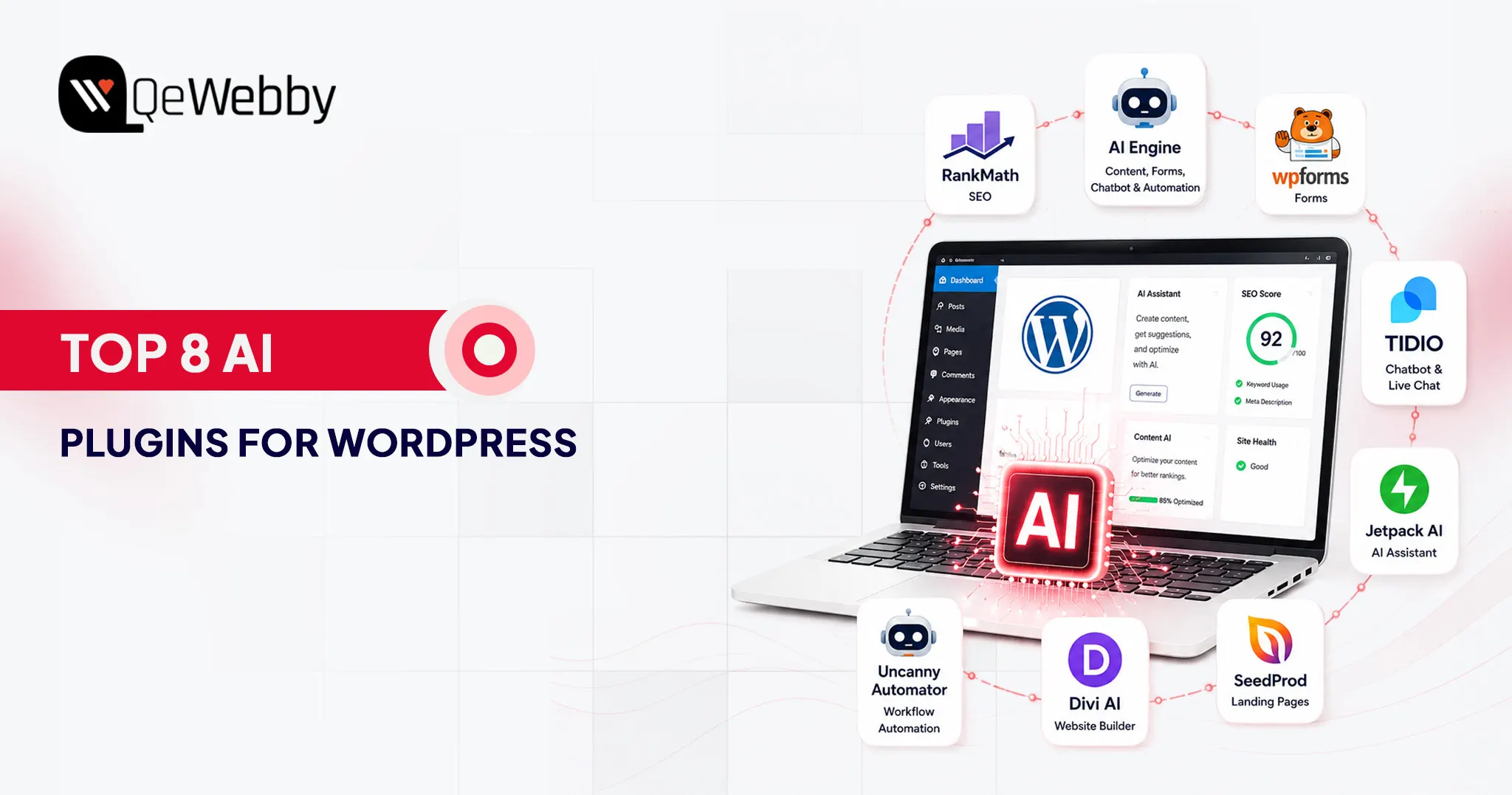
Top 8 AI Plugins for WordPress That Are Transforming Websites in 2026
August 4, 2026






Associate General Manager, Digital Marketing
Frequently Asked Questions
Yes, reputable AI plugins developed by established companies are generally safe to use. Always install plugins from trusted developers, keep them updated, and review their privacy policies to understand how website content and visitor data are processed, especially when external AI services are involved.
No. AI is best used as a productivity tool rather than a replacement for human expertise. Even the best AI content generator WordPress solutions assist writers rather than replace them.
It depends on whether your priority is SEO, content creation, automation, customer support, or website development.
Yes, but they should be installed strategically. Add one plugin at a time, test your website’s performance after each installation, and avoid tools that perform the same function. A streamlined AI stack is easier to manage, reduces compatibility issues, and keeps your website running efficiently.
It depends on the plugin. Tools like AI Engine use a bring-your-own-API-key approach, giving you greater flexibility and control over usage costs. Other plugins, including Rank Math, WPForms AI, Tidio, and Jetpack AI, manage their AI services internally, so you can start using many features without configuring a separate API key.