








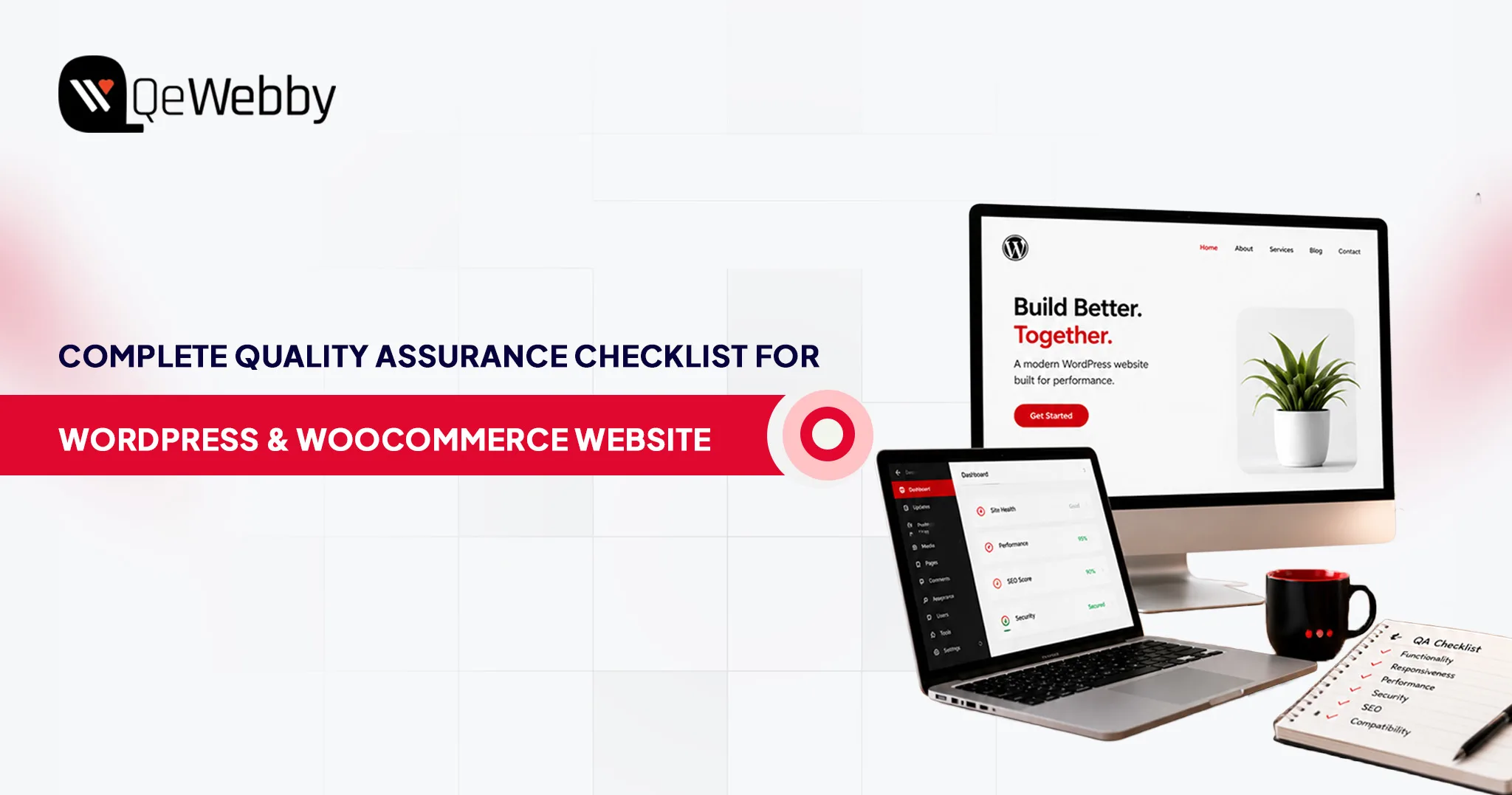
Complete WordPress & WooCommerce QA Checklist Before Website Launch
July 2, 2026







Operations and Client Services
Frequently Asked Questions
A WordPress QA checklist should not stop at launch. It is recommended to run it after every major update, plugin installation, or design change. Regular audits help maintain performance, security, and compatibility. Many website QA testing services offer ongoing monitoring to keep your site stable.
Manual testing focuses on real user behavior, while automation handles repetitive checks like performance and regression testing. A balanced WooCommerce site testing checklist uses both approaches. WordPress QA services often combine them to ensure accuracy and efficiency.
Indirectly, yes. Website QA testing services improve page speed, fix broken links, and enhance mobile responsiveness. These factors influence search engine rankings. A strong WordPress QA checklist ensures your technical SEO foundation is solid.
WordPress QA services identify plugin conflicts by testing compatibility in controlled environments. They isolate issues, check error logs, and validate functionality after updates. This ensures your website runs smoothly without unexpected disruptions.
A WooCommerce site testing checklist ensures that every step in the buying journey works flawlessly. From product pages to checkout, even minor issues can cause drop-offs. Proper QA improves trust, reduces friction, and directly impacts conversion rates.