







UX Website Audit: How to Improve Conversion Rates on WordPress
April 30, 2026





Frequently Asked Questions
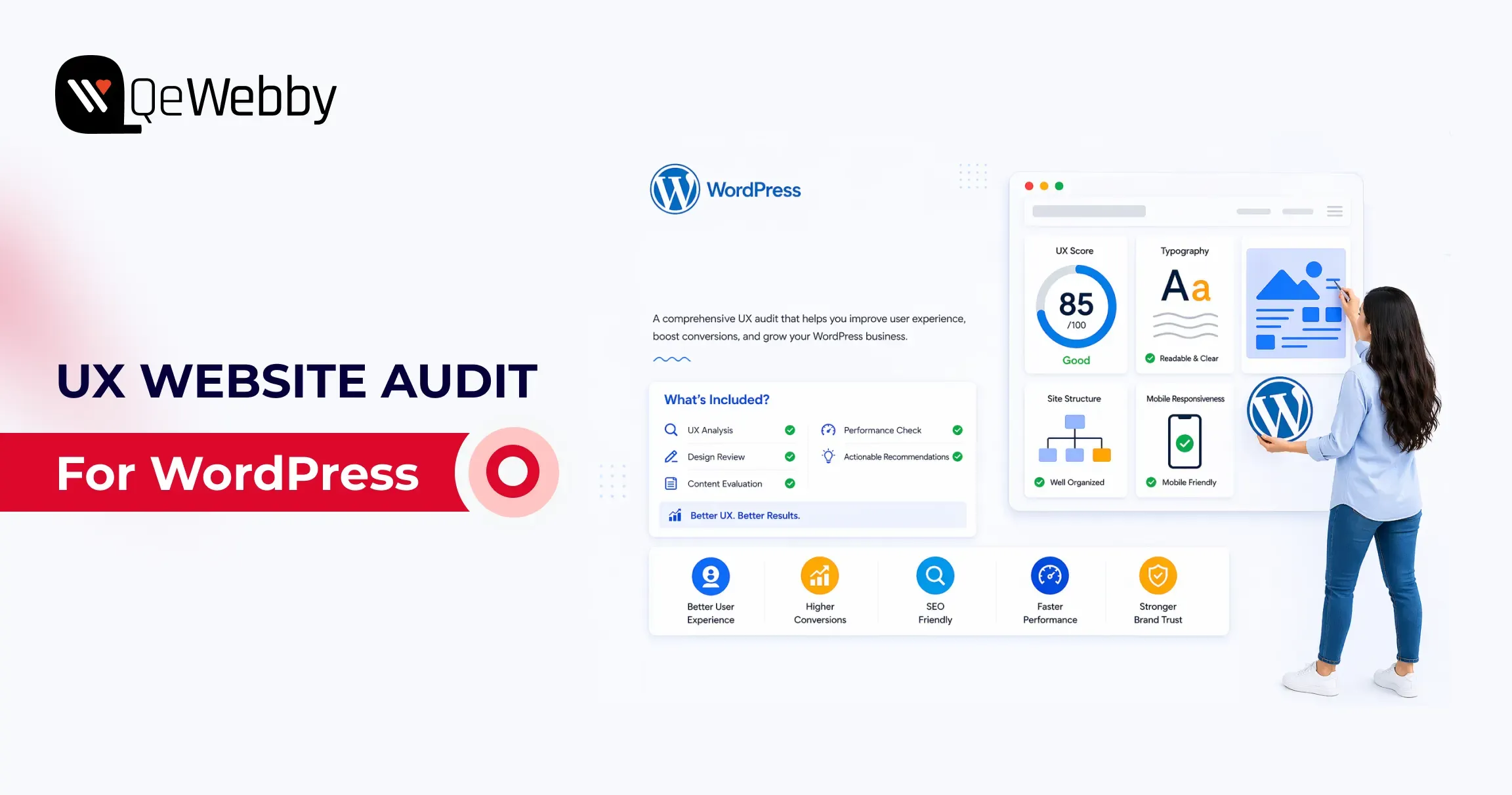
A UX website audit is a structured evaluation of user experience, performance, and usability to identify issues that prevent users from completing key actions.
A website conversion audit improves rates by identifying high-impact friction on revenue-near pages and prioritizing fixes by effort versus expected return. Teams typically see faster gains when they address form clarity, checkout flow, mobile hierarchy, and trust messaging before cosmetic redesign work.
Core Web Vitals should be included because loading, interaction latency, and layout stability directly shape user trust and task completion behavior. web.dev thresholds and WordPress hosting guidance show that theme weight, script loading order, and media handling often create fixable conversion drag.
Accessibility fixes can improve conversions by reducing cognitive friction and interaction errors for all users, not just users with disabilities. WebAIM failure patterns, such as low contrast, unlabeled controls, and weak focus states, often overlap with issues that reduce form and checkout completion rates.
A conversion optimization audit should start with pricing pages, lead forms, checkout steps, and high-intent landing pages because they sit closest to revenue events. Prioritizing these pages first gives teams faster learning cycles and clearer visibility into ROI for additional UX investments.
A UX website audit typically takes 1–3 weeks depending on website size, complexity, and data availability.
UX audits use tools like GA4, heatmaps, session recordings, and Core Web Vitals reports to analyze user behavior and performance.